setups /
Pick a setup by the room you have, not the aesthetic you like.
Every setup below leads with the space, budget, and workflow it fits, then shows which gear it uses across every category. Click one to see the scene, the fit checks, and the picks — Budget, Mid, and Premium.
Featured
Four starting points, with dedicated writeups.
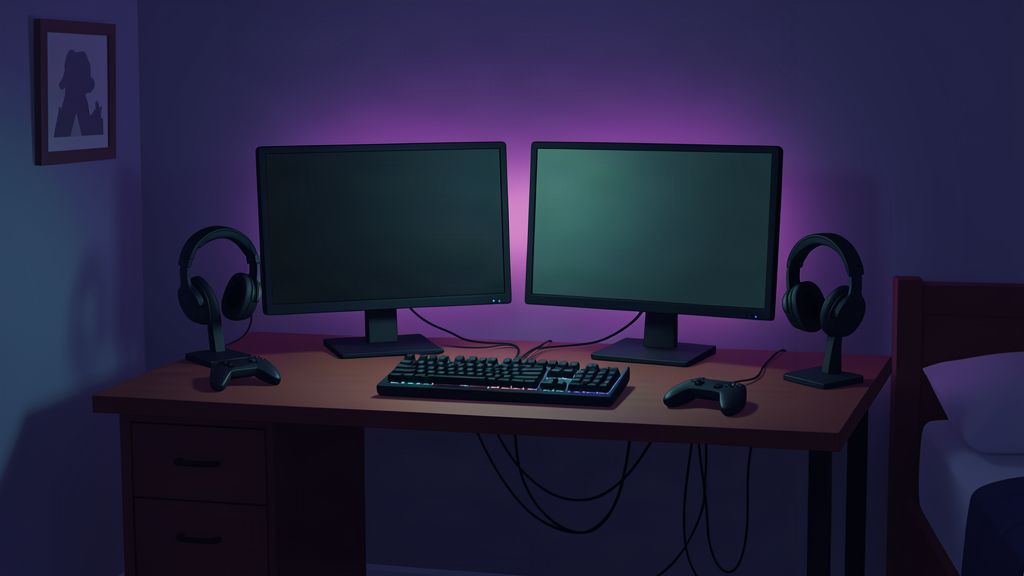
Featured
Midnight Shift
A dark mixed-use setup that protects usable desk space instead of filling every surface with RGB accessories.
Open setup →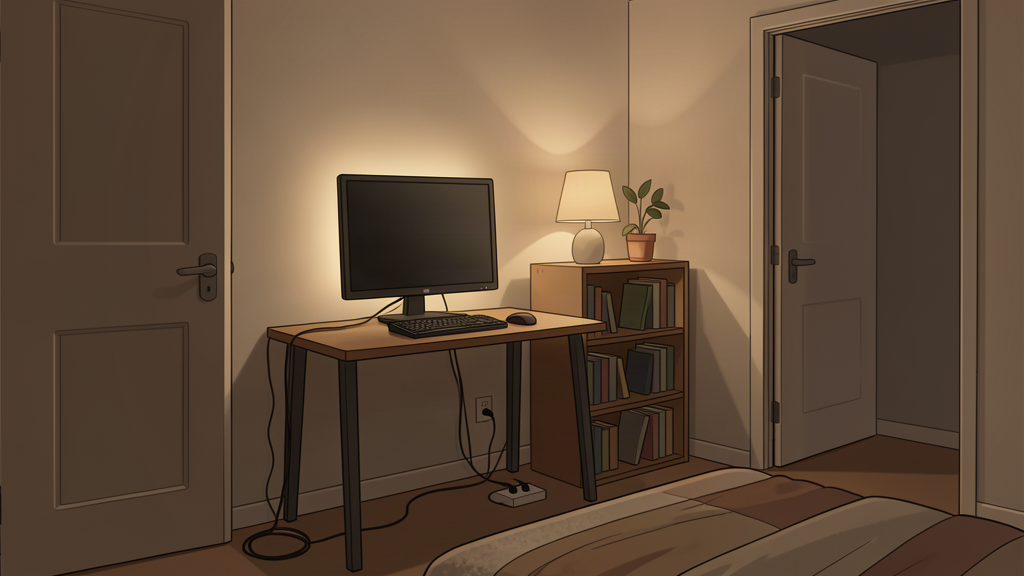
Small spaces
Small bedroom gaming
A layout that solves floor clearance, chair movement, and door swing before choosing the desk that photographs best.
Open setup →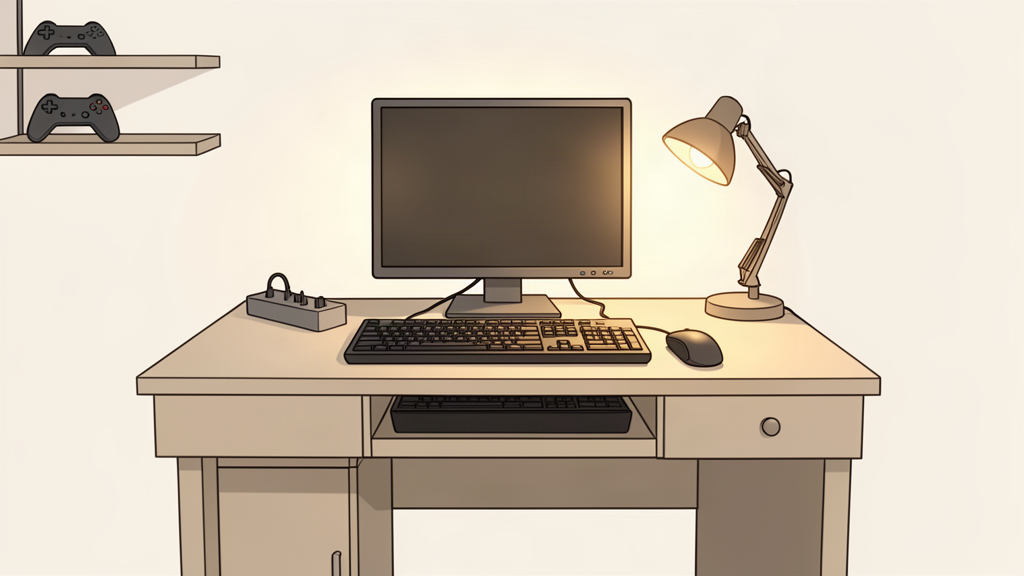
Budget
Budget gaming desk
A build order that spends on real bottlenecks and keeps working gear instead of replacing every part for the theme.
Open setup →
Method
Gaming setups overview
How StackGeist organizes setups: constraints first, gear second, decoration last. Start here if you have not picked a build yet.
Open setup →gaming
Gaming
Handhelds, dedicated gaming desks, and console-adjacent builds.
creator
Streaming + creator
Face-cam, key light, capture, and mic-first setups.
living-room
Living room
Couch, TV, and controller storage centered.
workstation
Work + workstation
Remote work, dual monitor, home lab, AI/ML boxes.
Work-from-home
Work-from-home pro
A desk that treats calls, focus work, and ergonomics as the main event — not gaming with a laptop bolted on.
Home lab · dev
Home lab / dev workstation
A dev desk plus a small home lab: mini PCs, a NAS, wired networking, and a KVM path so it stays quiet.
Productivity · dual monitor
Dual monitor productivity
Two 27" panels done properly: correct arm reach, matched height, and cabling that doesn't look like spaghetti.
AI / ML
AI / ML workstation
A local ML box: enough VRAM to run real models, cooling that survives sustained load, and storage that keeps up.
sim
Sim rig
Racing, flight, and truck sim gear that stays rigid.
audio
Audio + podcast
Mic, interface, monitoring, and room treatment.
Not sure yet?