Inventory first
Separate working gear from problem gear.
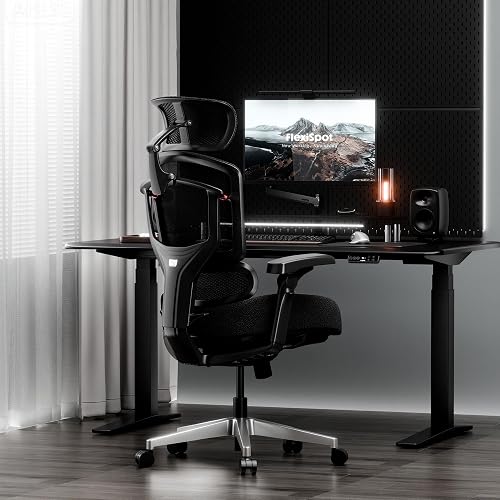
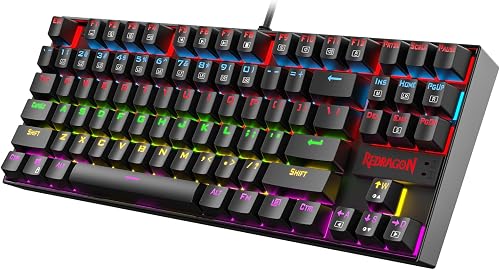
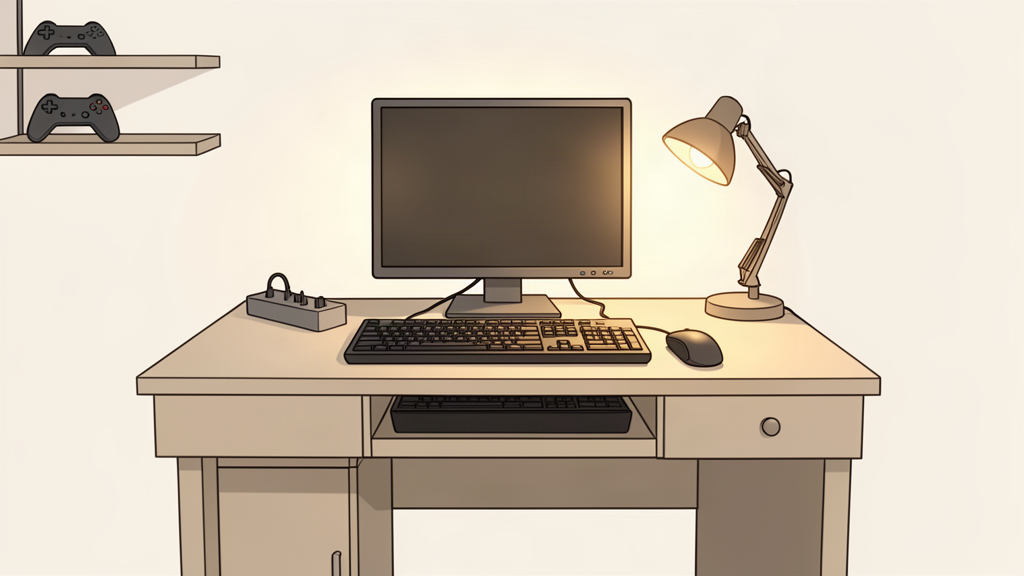
List what you already have: display, keyboard, mouse, controller, headset or speakers, desk, chair, power strip, lighting, and any storage. Mark each item as working, annoying, or genuinely limiting.
A working item can stay even if it is not fashionable. An annoying item deserves investigation. A limiting item is where the budget should go first.
Priority order
Spend where the limitation reaches every session.
- Safety and reliability.Damaged power gear, unstable furniture, failing peripherals, or cooling problems come before aesthetics.
- Core interaction.Fix the thing that makes playing or working difficult: input space, display position, unreliable connection, or uncomfortable reach.
- Layout and clutter.Use placement and simple organization to reclaim the desk before buying more hardware.
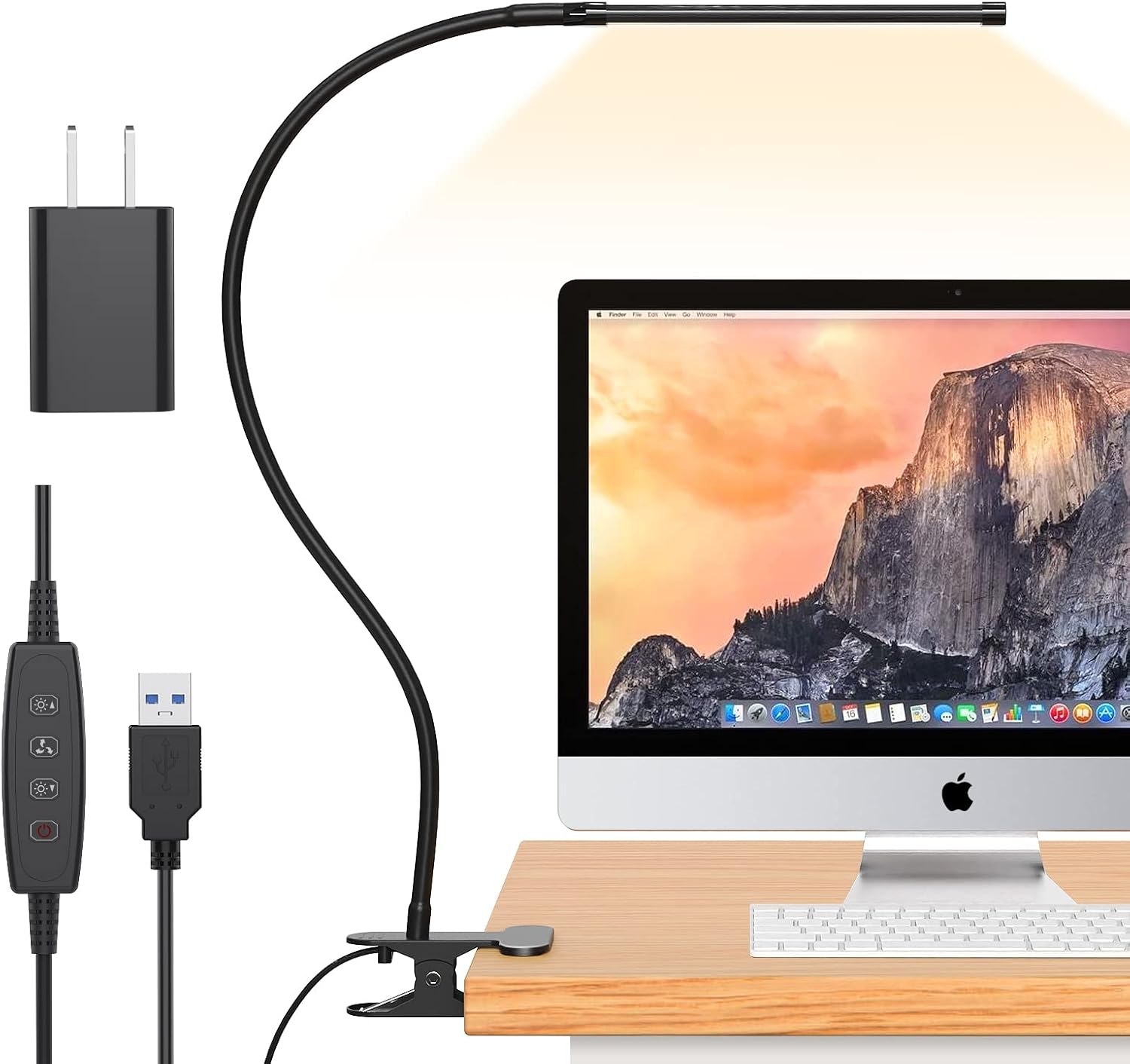
- Lighting and convenience.Add these when they solve visibility, atmosphere, charging, or access problems you can name.
- Decoration.Only after the setup works well without it.
Where budgets disappear
Small accessory purchases can become the expensive part.
Buying a stand, shelf, and arm to solve the same placement issue.
Replacing working gear just to make every item the same color or brand.
Accumulating lights, holders, hubs, and decorations because each individual item seems inexpensive.
Ordering furniture or accessories that consume more depth, width, or cable clearance than expected.
A better sequence
Build the setup in passes.
Pass one: make the current gear usable. Pass two: solve cables and placement. Pass three: add one convenience or lighting upgrade. Then use the setup for a while before deciding what the next problem actually is.
Researched recommendations
StackGeist currently has one finished comparison category.
If lighting is one of the problems you identified, these are two products StackGeist has documented for this use case. Skip this section if lighting is not your bottleneck.
Researched lighting options
If lighting is the problem, there are two researched routes.
Choose by the job you need the light to do, not by which product looks more dramatic.
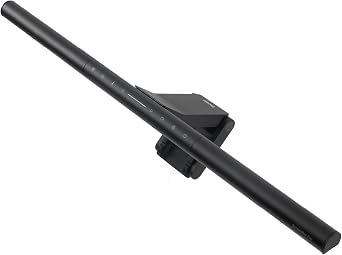
BenQ ScreenBar Pro
Choose this only when functional desk light is worth the premium price and saved desk space.
Tradeoff: premium-priced and unnecessary if you only want ambient glow.Check: monitor thickness 0.17–2.56 in, 1000–1800R if curved, USB-C power, and webcam clearance.Power Practical Luminoodle
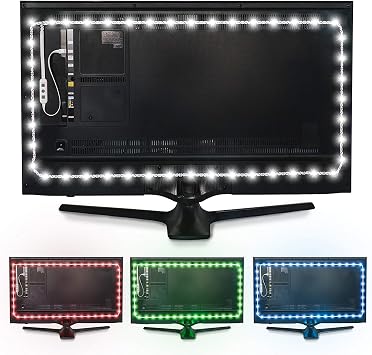
Choose this when low-cost monitor backlight solves the problem and task lighting is unnecessary.
Tradeoff: ambient backlight only; it does not replace a task light.Check: USB 5V / 1A power, adhesive placement, and whether the 78 in strip fits your display route.Paid Amazon links. As an Amazon Associate I earn from qualifying purchases. Price and stock can change; check the retailer before buying.
Other researched upgrades
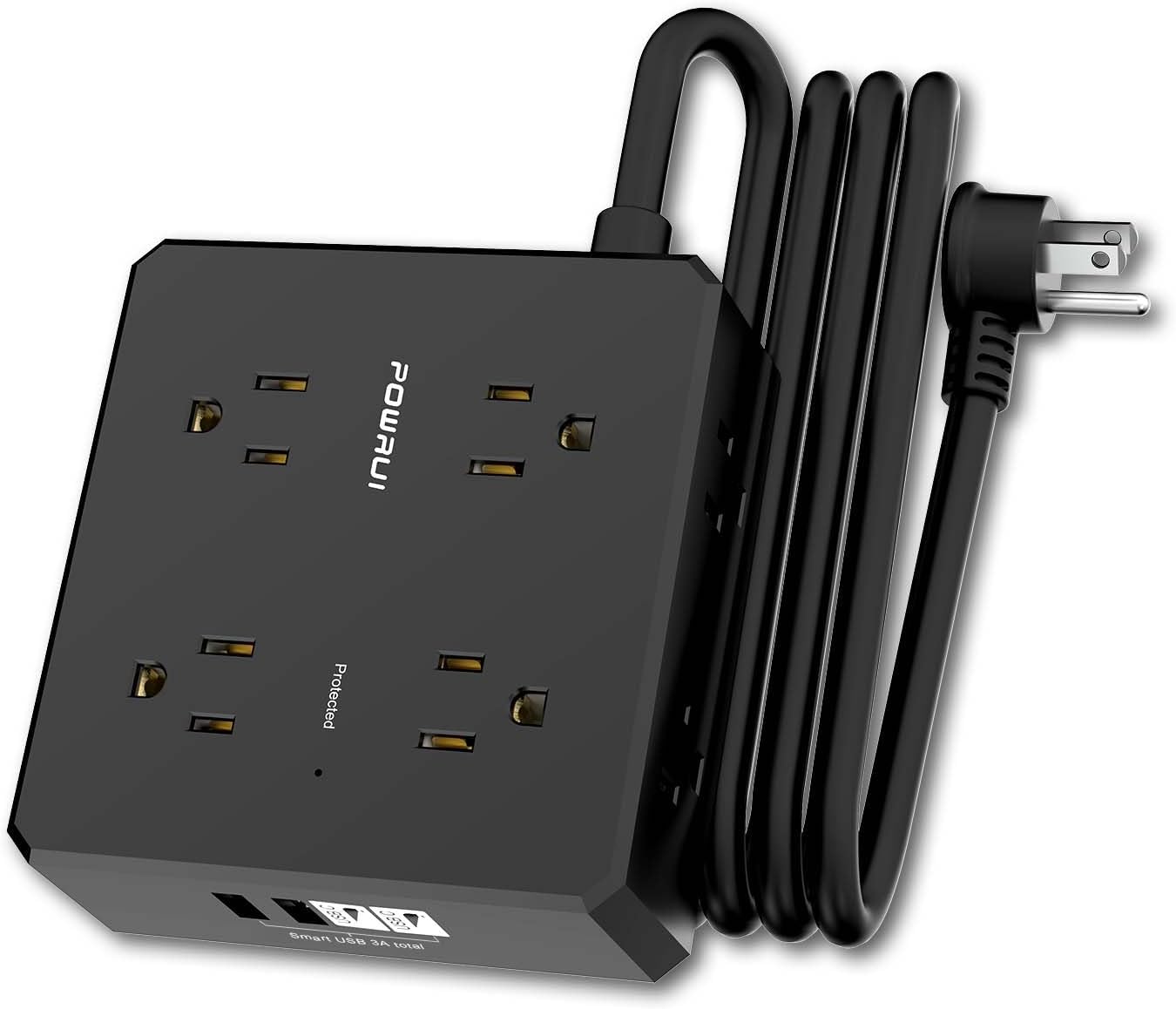
Two products solve problems outside lighting.
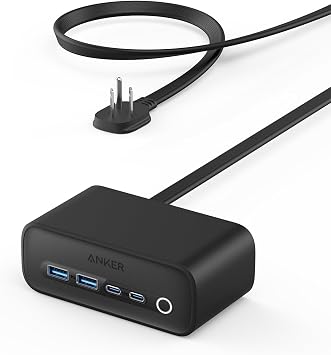
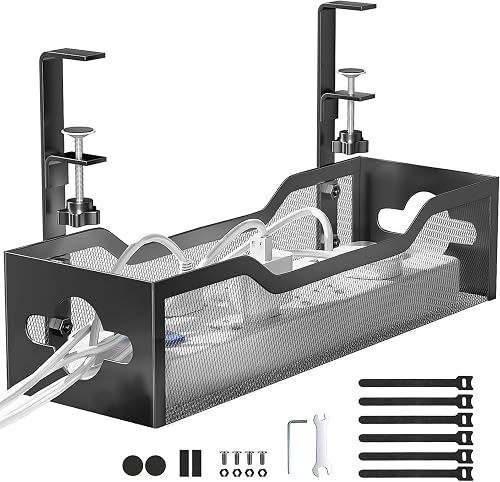
Use these only if charging clutter or the desk surface is the bottleneck you found during the inventory step.