Measure the collisions
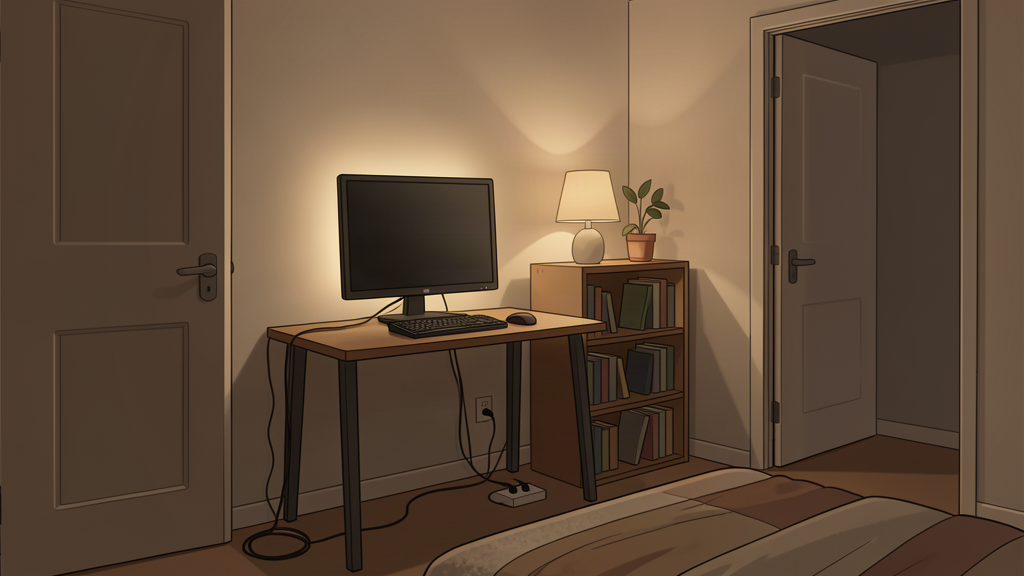
Start with the space the chair and doors need.
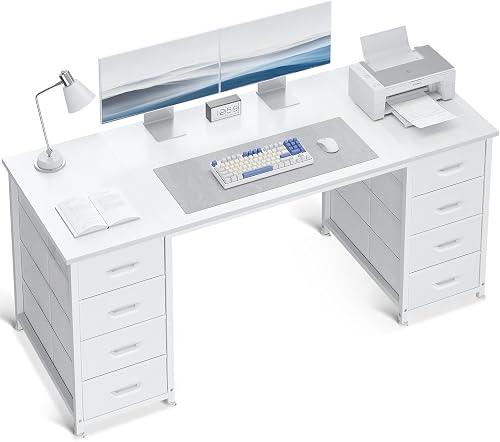
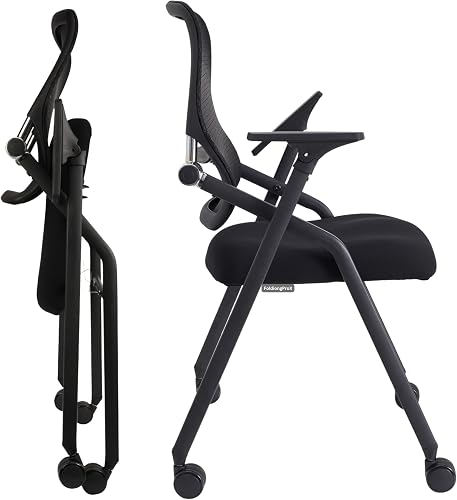
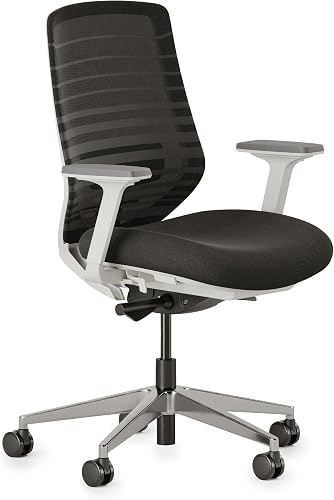
The desk footprint is only part of the setup. A chair needs room to pull back. Closet and room doors need to open. Drawers need clearance. A bed edge may turn a narrow aisle into a dead end.
- Mark where the chair sits during use and where it moves when you stand up.
- Open every nearby door, drawer, or closet before choosing the desk position.
- Check power and Ethernet access before committing to the wall that photographs best.
- Keep vents, heaters, and equipment ventilation paths clear.
Desk strategy
Spend depth carefully.
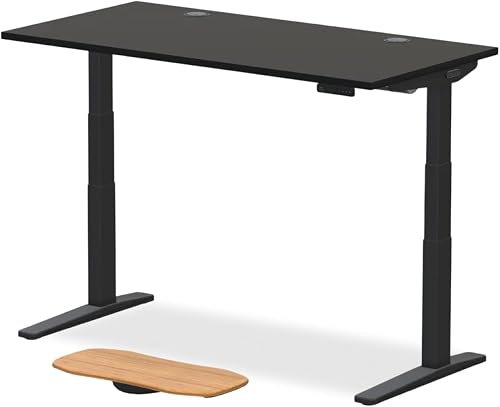
In a tight bedroom, an unnecessarily deep desk can consume the aisle while a shallow desk can make the monitor, keyboard, and mouse compete for the same space. The right depth is the one that supports the display position and input space you need without stealing room from circulation.
Usually simplest. Keeps cables and lighting concentrated on one wall and preserves the rest of the room.
Useful when two short wall sections are available, but check chair rotation and avoid creating a cable trap in the corner.
If the desk also handles school or work, preserve one open zone instead of dedicating the entire surface to gaming gear.
Go vertical
Move storage off the floor and off the primary desk surface.
Headsets, spare controllers, handhelds, boxes, and accessories do not all need permanent desk space. Shelving or wall storage can help, but keep frequently touched items reachable and do not create a wall of objects just because vertical space exists.
Lighting
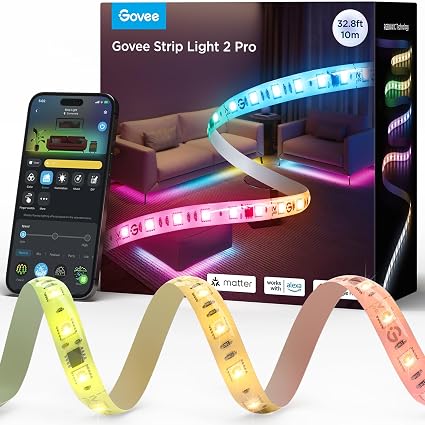
Use one controlled light source before adding several accent lights.
Small rooms reflect light quickly. One task light or soft bias light can create separation around the desk without adding multiple lamps, strips, and visible power leads. The room usually looks cleaner when lighting has one job.
Researched lighting options
If lighting is the problem, there are two researched routes.
Choose by the job you need the light to do, not by which product looks more dramatic.
BenQ ScreenBar Pro
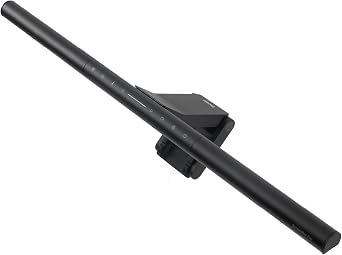
Best when a small desk needs useful work light without adding a lamp base.
Tradeoff: premium-priced and unnecessary if you only want ambient glow.Check: monitor thickness 0.17–2.56 in, 1000–1800R if curved, USB-C power, and webcam clearance.Power Practical Luminoodle
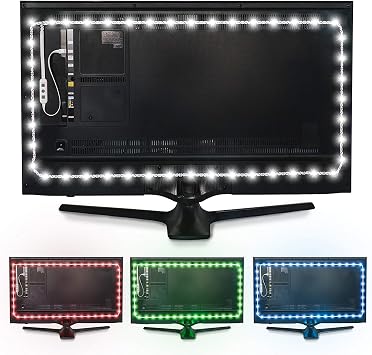
Best when you only want monitor backlight and want to keep the upgrade inexpensive.
Tradeoff: ambient backlight only; it does not replace a task light.Check: USB 5V / 1A power, adhesive placement, and whether the 78 in strip fits your display route.Paid Amazon links. As an Amazon Associate I earn from qualifying purchases. Price and stock can change; check the retailer before buying.
Build order
- Choose the wall.Base it on clearance, power, ventilation, and daily movement.
- Protect chair space.Make sure the setup still works when you need to stand up or move across the room.
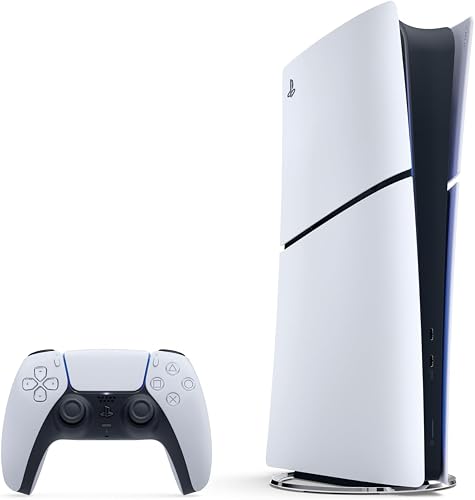
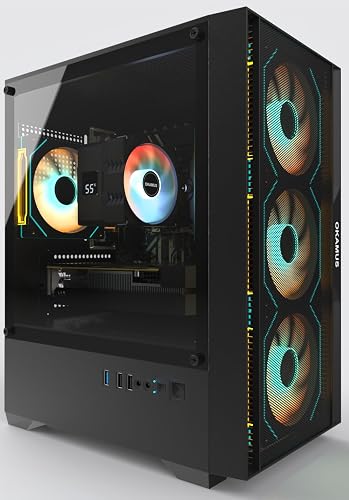
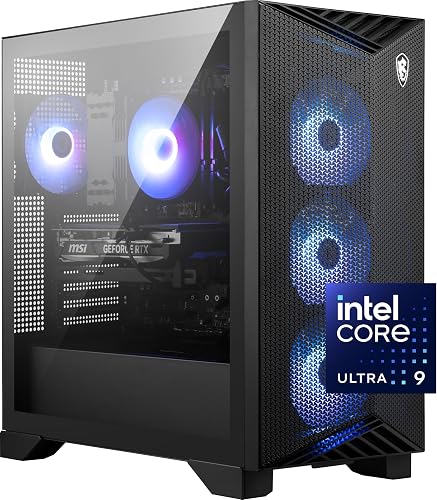
- Place the essential gear.Display, inputs, PC or console, and required audio first.
- Route power and cables.Do this before adding storage or decoration that blocks access.
- Add only the storage you need.Move infrequent items upward or elsewhere.
- Add lighting last.Use it to support the setup, not to hide a crowded layout.