Input / mouse
Buy the workflow controls, not the 8,000-DPI headline.
The MX Master 3S makes sense for right-handed desk work that benefits from a thumb wheel, fast document scrolling, and per-app shortcuts. It is not a universal comfort upgrade.
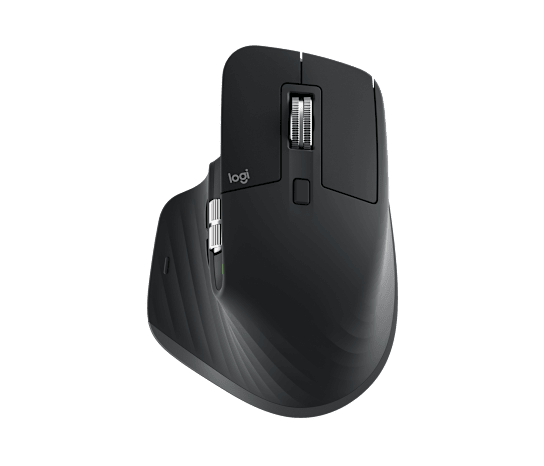
Logitech MX Master 3S — Graphite
Right-handed wireless mouse · Amazon ASIN B09HM94VDS
The MagSpeed wheel, horizontal thumb wheel, app-specific controls, quiet primary buttons, and switching among up to three paired devices can remove repeated friction from document, spreadsheet, browser, and editing work.
Its sculpted body is right-handed, relatively large, and 141 g. Comfort depends on hand size and grip; it is a poor blind recommendation for left-handed users, small hands, or fast low-mass gaming.
Measure the mouse you already find comfortable, decide whether Bluetooth or the included Logi Bolt receiver fits your ports, and confirm that Logi Options+ is allowed on any managed work computer where you expect custom buttons.
Logitech specifies an 8,000-DPI Darkfield sensor, Bluetooth Low Energy and Logi Bolt connectivity, seven buttons, USB-C charging, 124.9 × 84.3 × 51 mm dimensions, and 141 g weight.[1]
Skip it if you are left-handed, prefer a lightweight or fingertip-grip mouse, cannot install customization software, or only need basic pointer and scroll-wheel control.