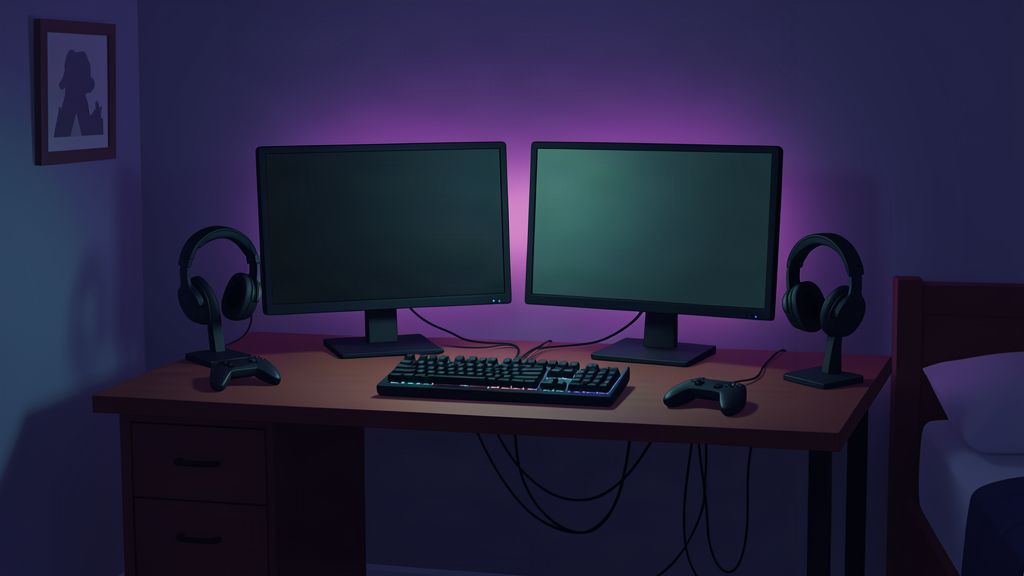
Gaming + work

Midnight Shift

A dark setup for people who want atmosphere without turning the room into an RGB carnival.

Illustration of the Midnight Shift dark mixed-use gaming and work desk at night
Illustration only. Product placement in real setups depends on your room, desk, and gear.

The idea

Protect the desk first.

The setup keeps the center work area open, pushes lighting off the desk surface, and treats cable routing as part of the build instead of an afterthought.

UseGaming · work · console
SpaceSmall-room friendly
LookDark with selective violet light

Gear used

Every recommendation should solve a setup problem.

Researched lighting options

Two lighting routes are documented for this setup.

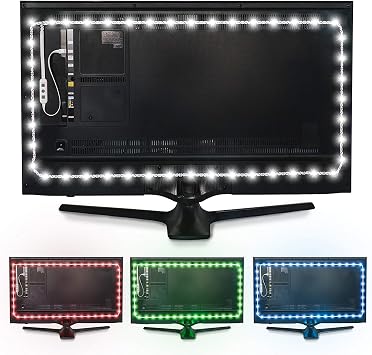
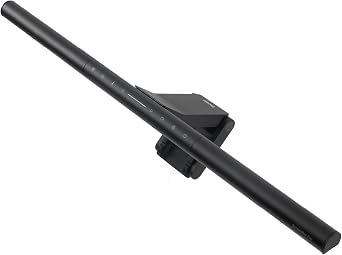
The ScreenBar Pro is the functional-light route. The Luminoodle is the lower-cost ambient route. They are not substitutes for each other.

Functional task light

BenQ ScreenBar Pro

Best fit when Midnight Shift also needs useful work light without consuming desk surface.

Tradeoff: premium-priced and unnecessary if you only want ambient glow.Check: monitor thickness 0.17–2.56 in, 1000–1800R if curved, USB-C power, and webcam clearance.
Lower-cost ambient light

Power Practical Luminoodle

Best fit when the goal is inexpensive violet or white backlight behind the display.

Tradeoff: ambient backlight only; it does not replace a task light.Check: USB 5V / 1A power, adhesive placement, and whether the 78 in strip fits your display route.

Paid Amazon links. As an Amazon Associate I earn from qualifying purchases. Price and stock can change; check the retailer before buying.

Gear options

Every category, three price tiers.

These are the parts a Midnight Shift build has to answer. Pick one option per row — you almost never need every category new.

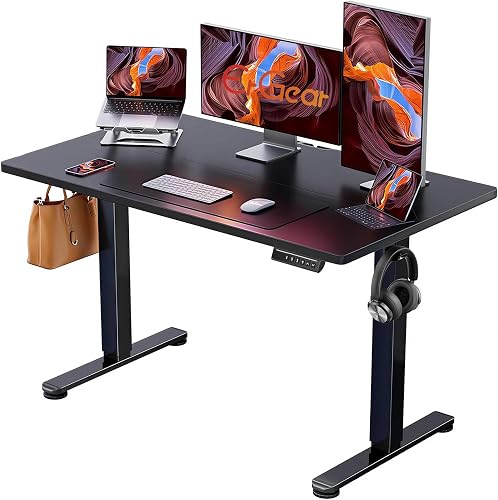
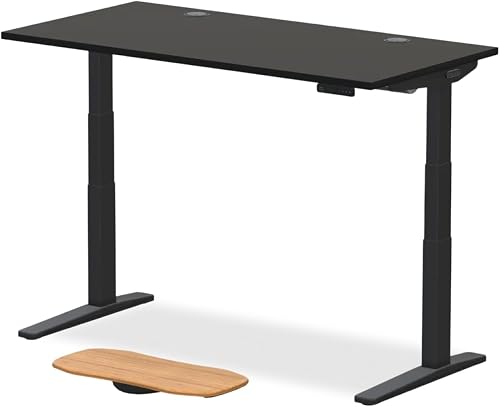
Dark mixed-use gaming + work desk. Priorities: protected desk surface, controlled lighting, gear that earns its footprint.

Starter · lower-cost exampleMiddle · mid-tier exampleHigher tier · higher-cost example

Desk

Wide enough for two-monitor work, dark finish to keep the room mood consistent.

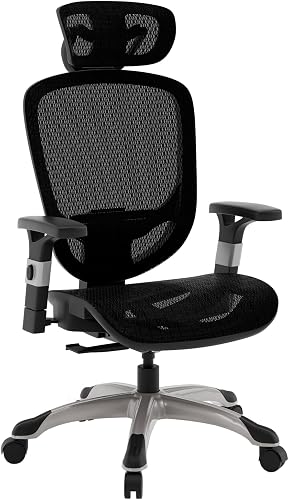
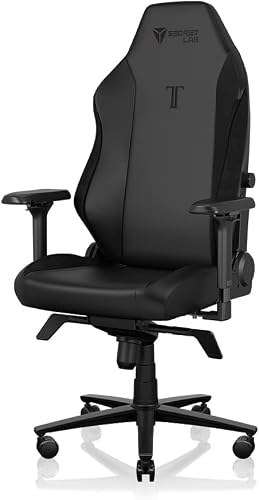
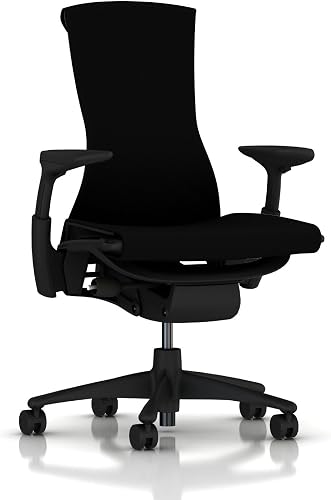
Chair

Long-session comfort matters more than gamer-chair looks in a mixed work setup.

Monitor

Anti-glare panels behave better in dim rooms. Avoid super-glossy displays.

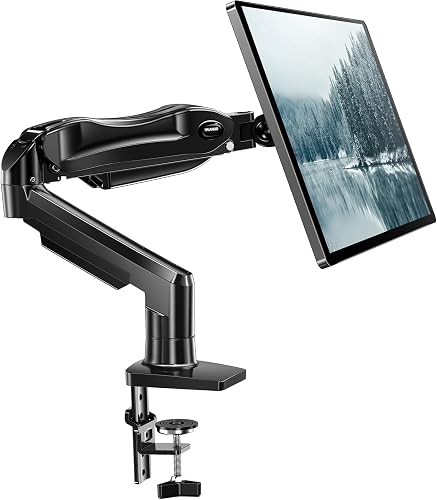
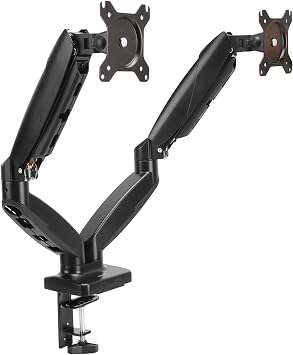
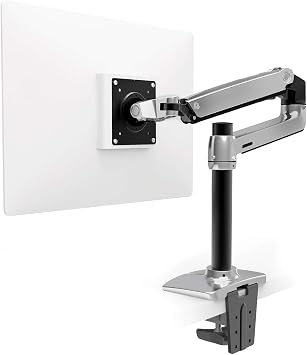
Monitor mount

Reclaims the deepest usable strip of the desk and fixes bad viewing height.

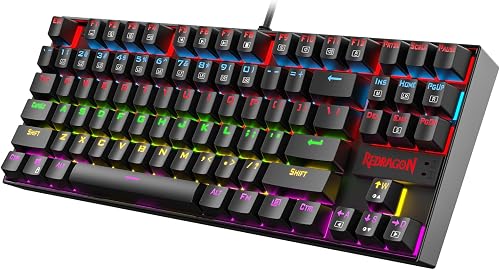
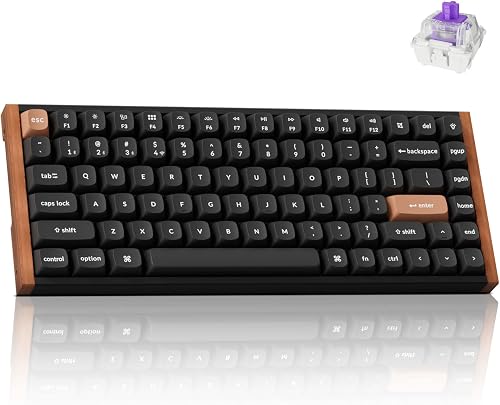
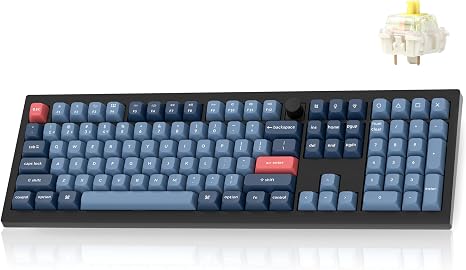
Keyboard

Layout width dictates mouse arm angle. Pick the size before the switches.

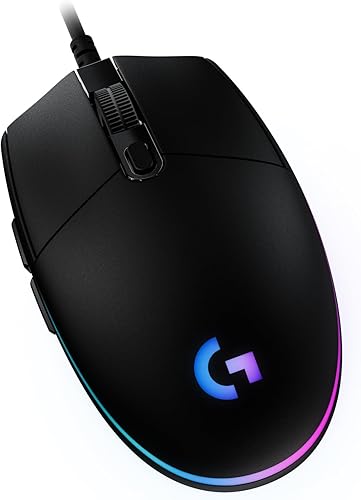
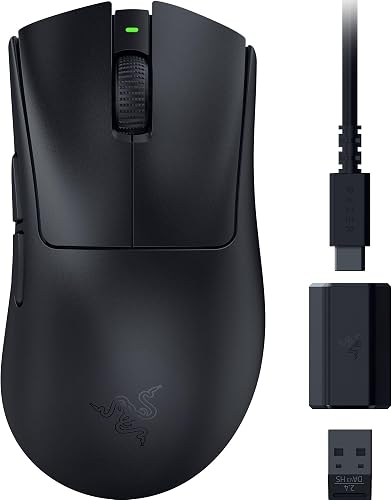
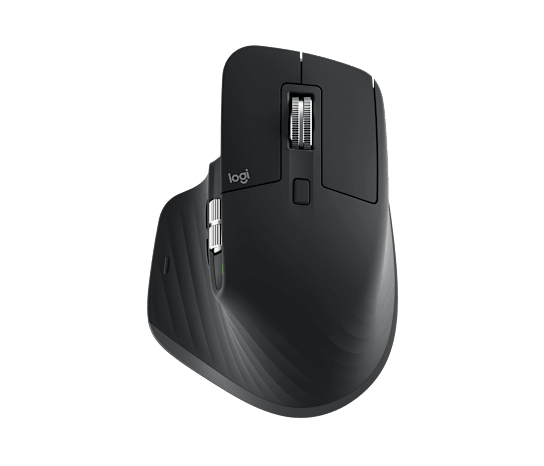
Mouse

Shape has to match your hand and grip style before sensor specs matter.

Headset / speakers

Closed-back or wireless keeps the room quiet late at night.

Lighting

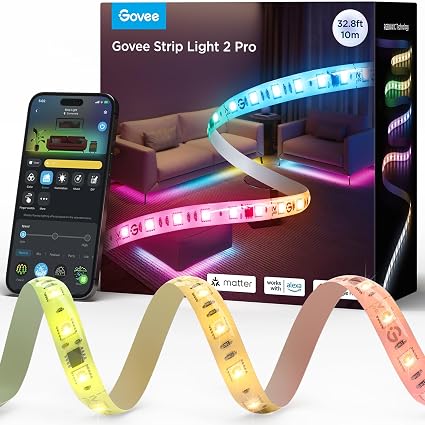
ScreenBar for real work light + one accent (Govee or Luminoodle) for atmosphere. Not both bright.

Power + cable management

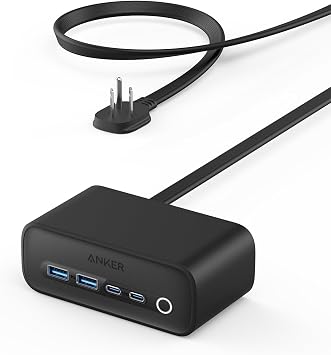
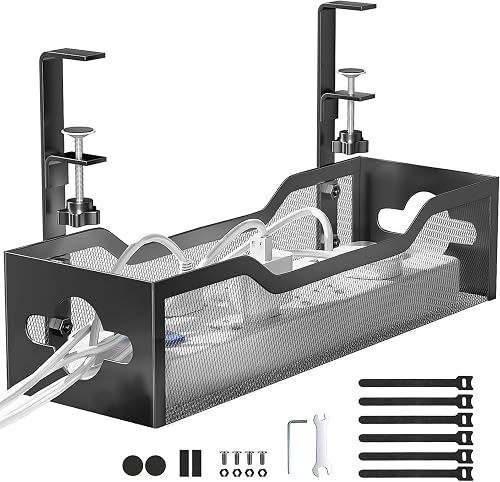
Plan the route before buying trays or clips. Bad power is the one thing that hurts every session.

Affiliate products are only added after the exact model, relevant specifications, and purchase fit are checked. We do not imply that placeholder gear has been tested or personally used.