Handheld
Screen and battery matter more than raw TDP for a device you actually carry.
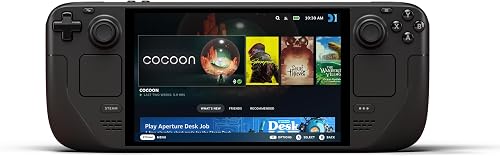 StarterSteam Deck LCD 256GBresearch exampleCheck current price
Category/model example only. Verify the exact manufacturer specifications, compatibility, current availability, and price before treating it as a candidate.
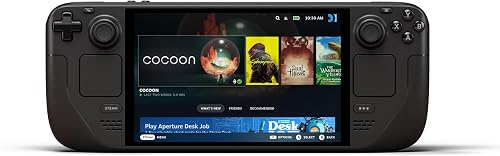 MiddleSteam Deck OLED 512GB / Lenovo Legion Go Sresearch exampleCheck current price
Category/model example only. Verify the exact manufacturer specifications, compatibility, current availability, and price before treating it as a candidate.
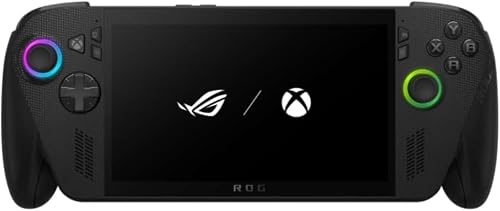 Higher tierASUS ROG Ally X / MSI Claw 8 AI+research exampleCheck current price
Category/model example only. Verify the exact manufacturer specifications, compatibility, current availability, and price before treating it as a candidate.