PC / console / handheld
Single-PC works up to 1080p60 on modern GPUs. Only go dual-PC when the main PC actually chokes.
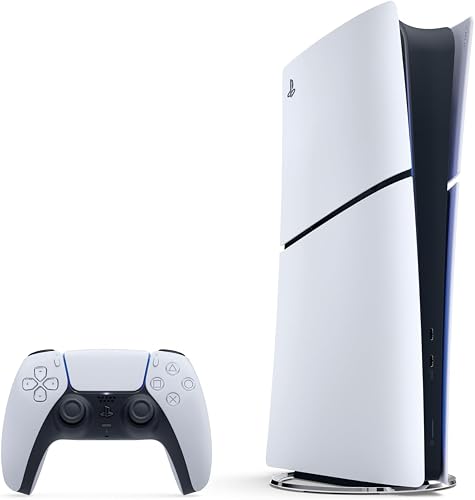 StarterConsole (PS5 Slim / Xbox Series S) or used mini PCresearch exampleCheck current price
Category/model example only. Verify the exact manufacturer specifications, compatibility, current availability, and price before treating it as a candidate.
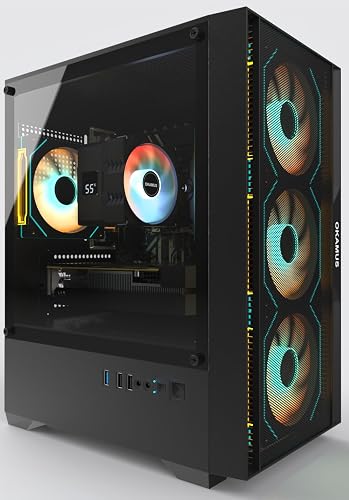 MiddleMid-range gaming PC (RTX 4060 / 4060 Ti class)research exampleCheck current price
Category/model example only. Verify the exact manufacturer specifications, compatibility, current availability, and price before treating it as a candidate.
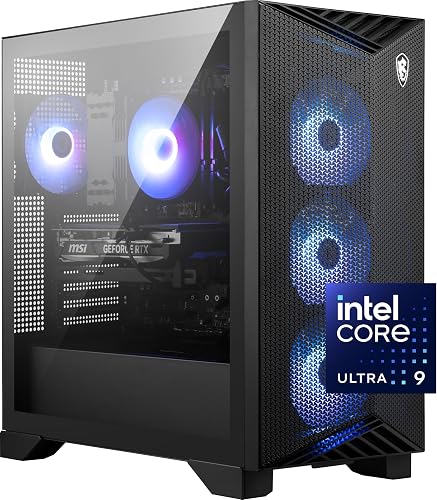 Higher tierHigh-end gaming PC (RTX 4080 / 4090)research exampleCheck current price
Category/model example only. Verify the exact manufacturer specifications, compatibility, current availability, and price before treating it as a candidate.