GPU (AI / compute)
VRAM is the constraint that actually blocks work. Buy more VRAM before more cores.
- StarterUsed RTX 3060 12GBresearch exampleCheck current price
Category/model example only. Verify the exact manufacturer specifications, compatibility, current availability, and price before treating it as a candidate.
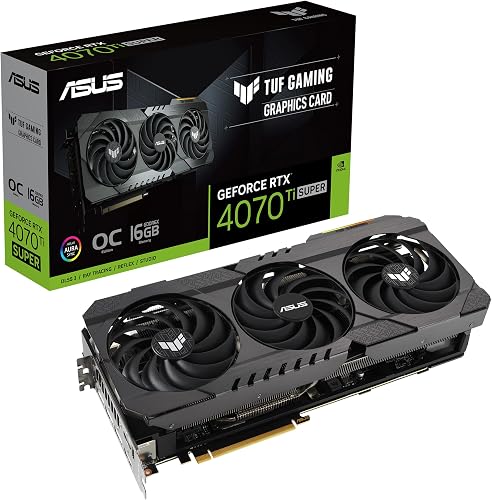 MiddleRTX 4070 Ti Super 16GB / RTX 5070 Ti 16GBresearch exampleCheck current price
Category/model example only. Verify the exact manufacturer specifications, compatibility, current availability, and price before treating it as a candidate.
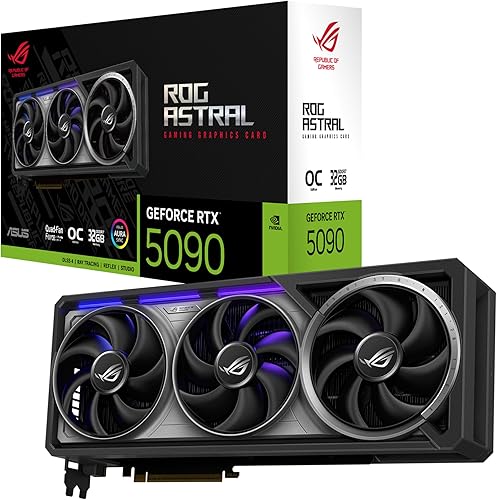 Higher tierRTX 4090 / 5090 (24–32GB) or dual 3090research exampleCheck current price
Category/model example only. Verify the exact manufacturer specifications, compatibility, current availability, and price before treating it as a candidate.