Productivity · dual monitor

Dual monitor productivity

A dual-monitor desk fails on arm geometry more often than on the monitors themselves. Plan the arm and cable path before ordering the second panel.

Design target

What this setup solves

Two 27" panels done properly: correct arm reach, matched height, and cabling that doesn't look like spaghetti.

Fit at a glance

Good forAnalyst · engineer · writer
Room60"+ desk recommended
PriorityArm geometry + cable path

Gear options

Gear picks · 30 options across 10 categories.

Every row shows a Starter, Sweet-spot, and Long-term choice with rough prices. Skip any row that already works in your room.

Two 27" panels done properly: correct arm reach, matched height, and cabling that doesn't look like spaghetti.

Starter · lower-cost exampleMiddle · mid-tier exampleHigher tier · higher-cost example

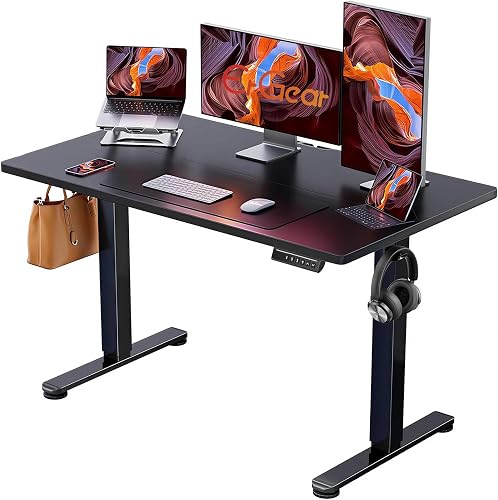
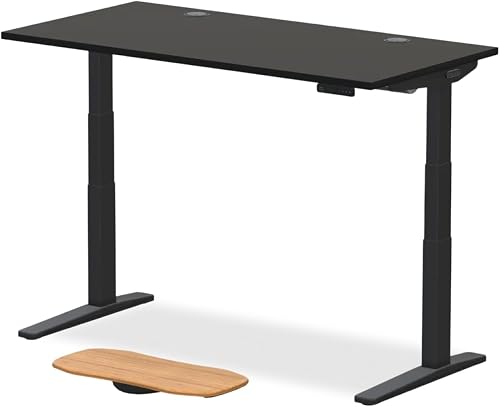
Desk

60"+ width lets both panels sit without overlap. Depth needs to fit the arm behind them.

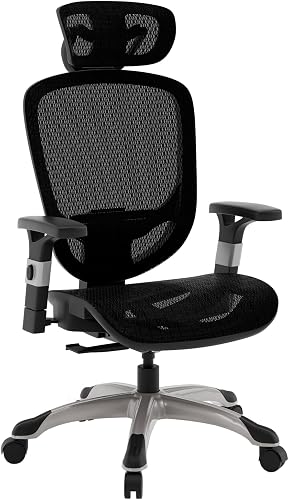
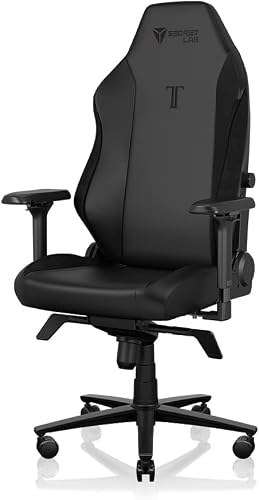
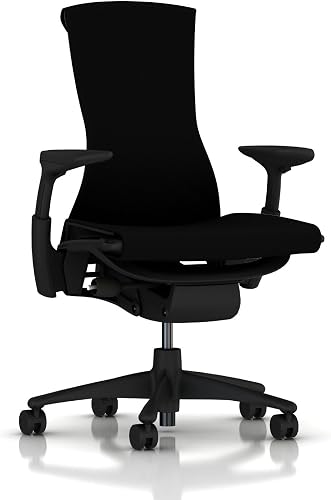
Chair

Where you actually spend the hours. Fit beats brand and RGB.

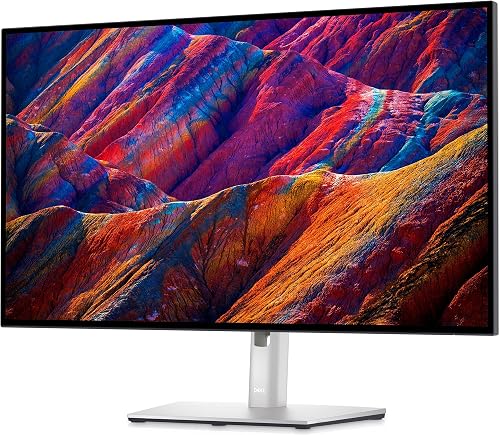
Monitor

Match resolution + panel size across both. Different heights or PPI is a real ergonomic tax.

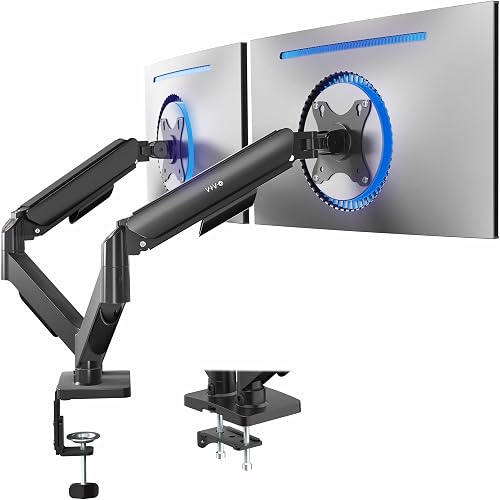
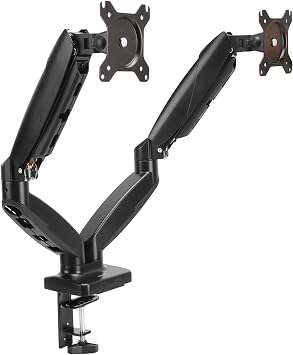
Monitor mount

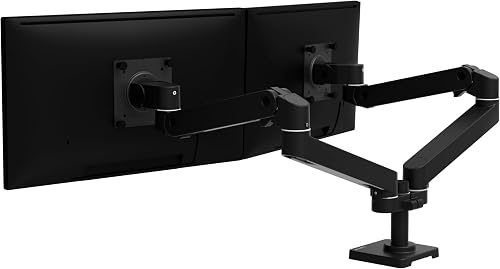
A dual-arm is the only way to actually reclaim the desk. Verify max panel width + weight.

Keyboard

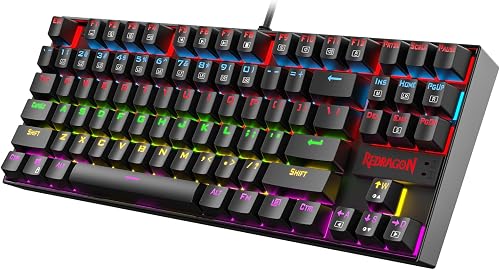
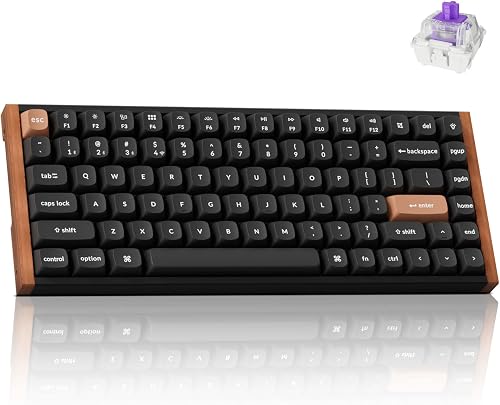
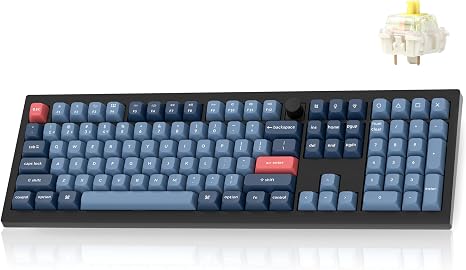
Layout width dictates mouse arm angle. Pick the size before the switches.

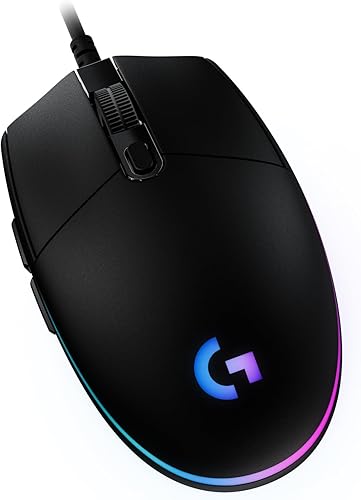
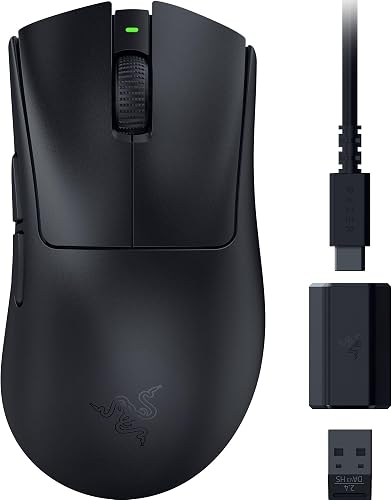
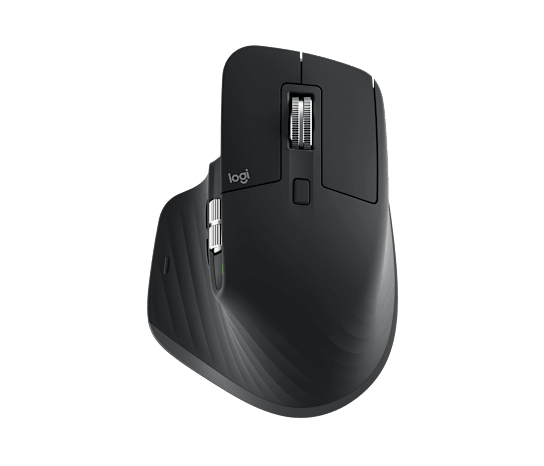
Mouse

Shape has to match your hand and grip style before sensor specs matter.

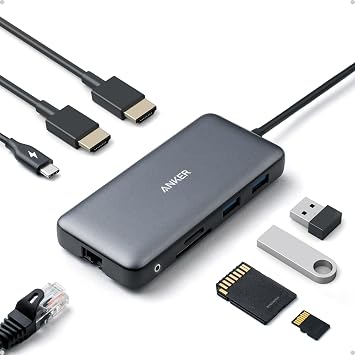
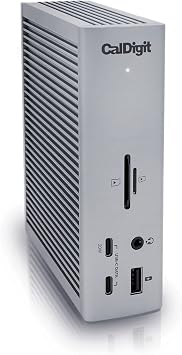
USB-C / Thunderbolt dock

The dock decides how many displays and how fast your storage runs. Match to your host.

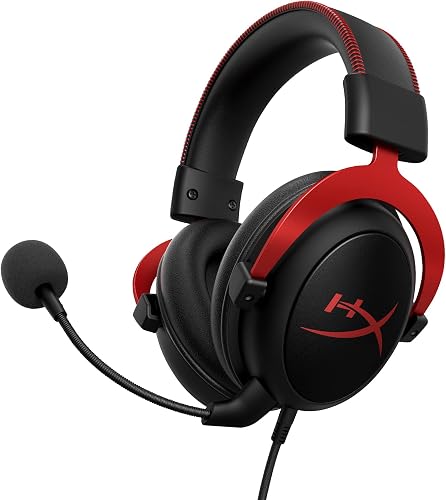
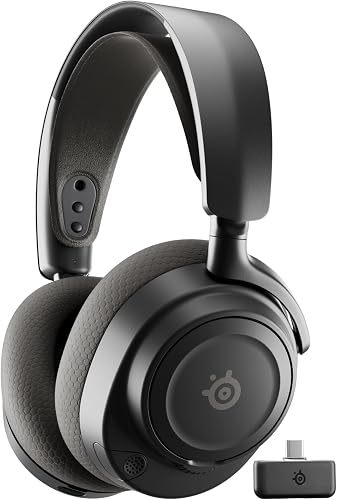
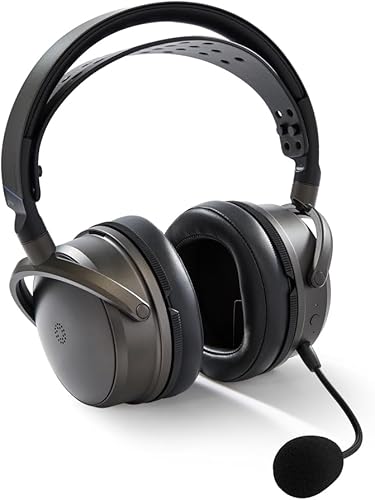
Headset / speakers

A quiet closed-back or set of nearfield speakers keeps focus during long documents.

Lighting

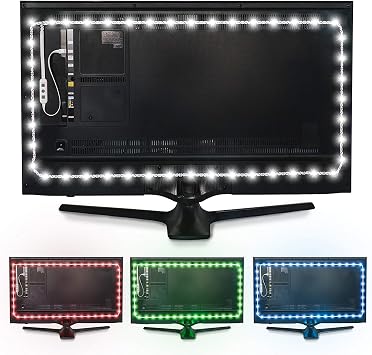
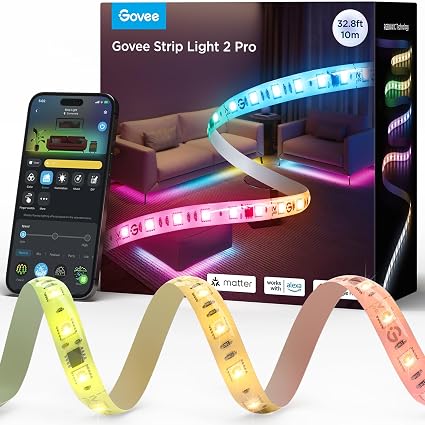
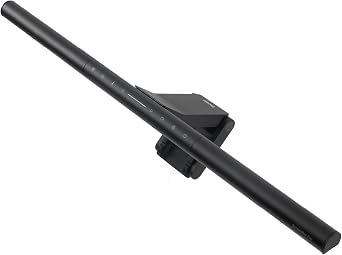
ScreenBar mounts work with two panels if you pick the wider Halo or two units.

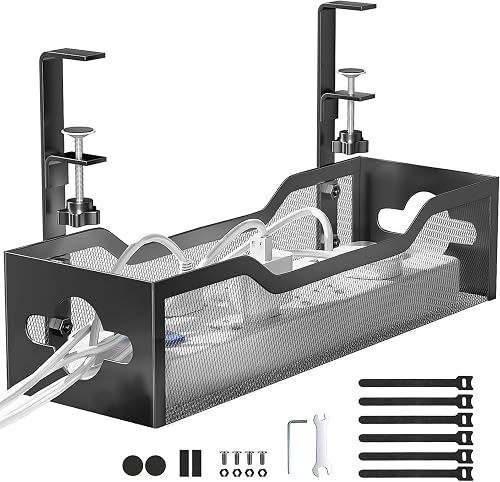
Power + cable management

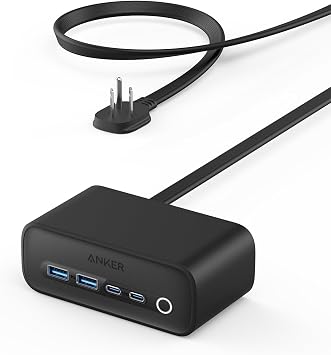
Two monitors + dock + laptop is where daisy-chained strips start to trip. Consolidate.

Price bands are rough, not live quotes. Amazon search links are paid affiliate links; internal links are our own writeups. Verify the exact model, fit, and current price before checkout.

More setups